Dr. Muscle vs Dr. Muscle X: What's the Difference?
Same account, two apps. Classic has everything. X is faster. You choose.

Key Takeaways
- One account. Two apps. Same login, same data. Your existing subscription covers both.
- Classic app runs on iOS and Android. Dr. Muscle X runs on the web at x.dr-muscle.com.
- X is faster with a modern interface but does not have all features yet. Classic has the full 27+ smart feature set.
If you heard about Dr. Muscle X and wondered how it relates to the app you already use, here is the short answer: they are two versions of the same product. Your account, history, and subscription work in both. You can switch between them anytime.
One Account, Two Apps
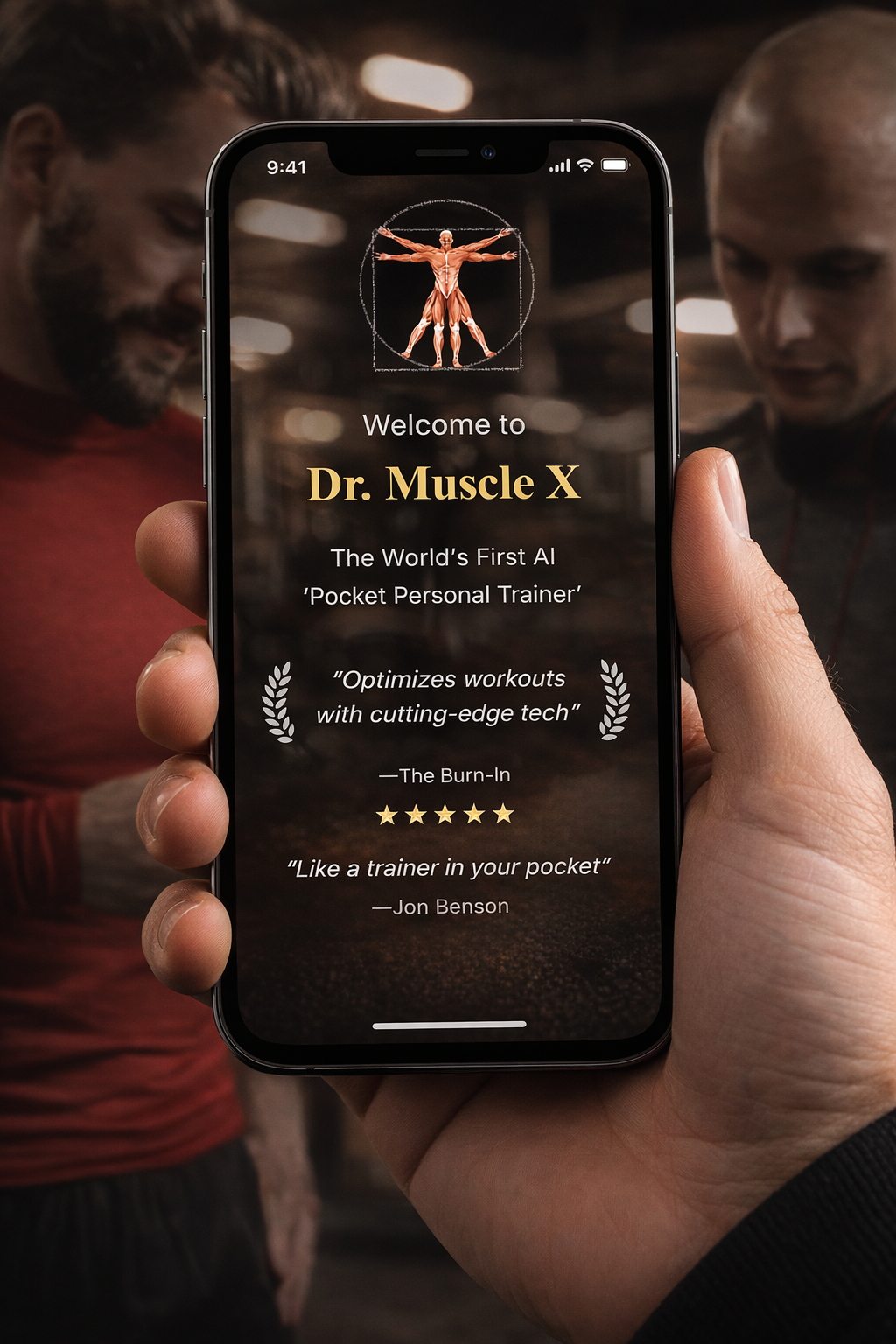
Dr. Muscle X is the future of the app, rebuilt from the ground up with a faster engine and cleaner interface. It may eventually replace the classic version, but for now both run side by side. Think of it as one AI system with two doors.
Dr. Muscle (Classic)
The mobile app you download from the App Store or Google Play. It has every feature we have built over the past decade: progressive overload automation, rest-pause sets, drop sets, deloads, daily undulating periodization, challenge mode, and more. If you need the full toolkit, use classic.
Dr. Muscle X (Early Access)
A web app at x.dr-muscle.com. No app store download. It loads faster, feels smoother, and shows your all-time records and reps in reserve during sets. Right now it focuses on the core workout loop. More features will roll out over time.
Quick Comparison
| Classic | X | |
|---|---|---|
| Platform | iOS, Android | Web (installable) |
| Features | Full (27+) | Core workout loop |
| Speed | Standard | Faster |
| Best for | AI coaching | Daily training |
Which Should I Use?
Use classic for world-class AI coaching. It has everything. Try X if you want to experience the same great training programs in a faster and more modern interface, but you can live with limited features outside of workouts for now. Your data syncs between both, so you lose nothing by switching back and forth.
How to Access Dr. Muscle X
Go to x.dr-muscle.com and log in with your existing email and password. To install it on your phone for a more native feel, open Profile and tap Install App. No extra download from the app store is needed.
How to Install Dr. Muscle X on Your Phone
- Go to x.dr-muscle.com and log in.
- Tap Profile in the bottom menu.
- Tap Install App, like this:
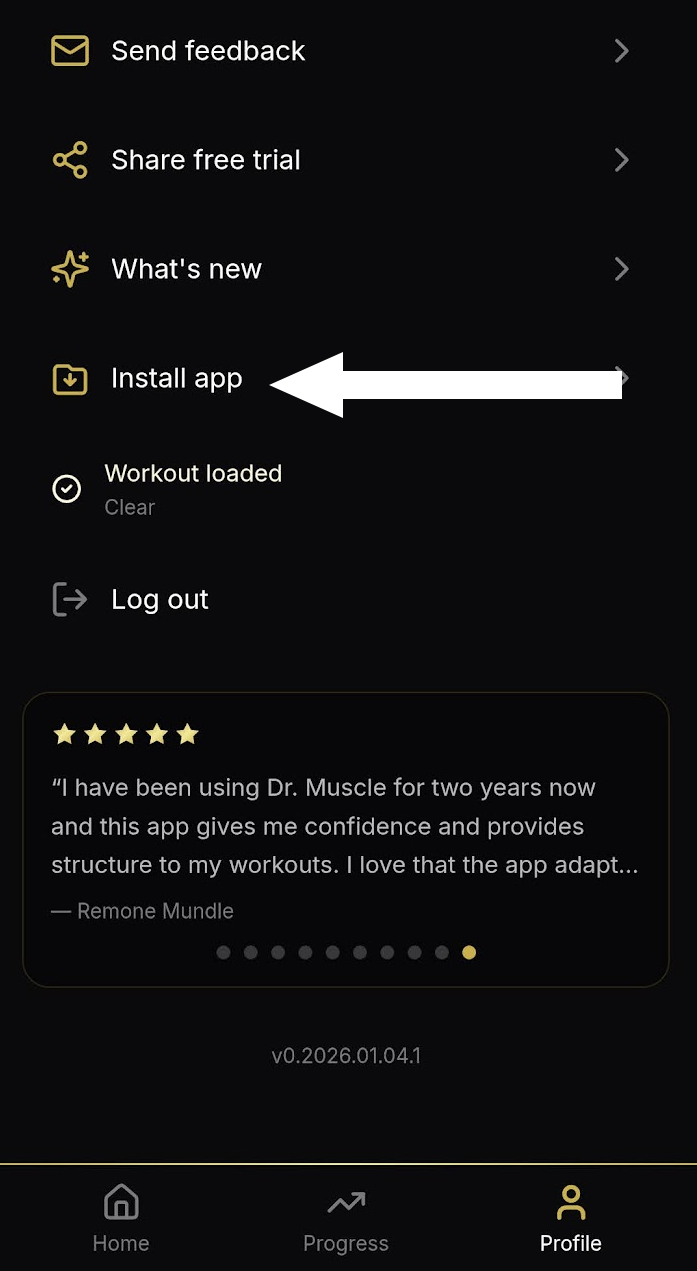
Then simply follow the prompt to add it to your home screen. The app icon will appear alongside your other apps.
What's Next
More features are coming to Dr. Muscle X throughout 2026, with a continued focus on speed and stability. The goal is full feature parity, then beyond.
Related:
- The AI Workout App With 27+ Features You Won't Find Anywhere Else
- First Look: Dr. Muscle X New Features
- Smarter. Smoother. Faster. Be The First To Try The New Dr. Muscle
FAQ
Is Dr. Muscle X in the App Store?
No. Dr. Muscle X is a web app. Visit x.dr-muscle.com in your browser and install it from there. The classic Dr. Muscle app remains available on iOS and Android.
Do I Need a Separate Subscription for X?
No. Your existing subscription covers both. Same account, same access.
Will My Data Sync Between Classic and X?
Yes. Your workout history, settings, and progress sync automatically. Use whichever app fits your session and switch anytime.
How Do I Switch Between Dr. Muscle And Dr. Muscle X?
Use your same login for both. Your history, settings, and progress sync across versions. Think of it as one system with two doors.
Why Release X If Classic Still Works?
X is built on a faster, more modern foundation. It lets us move quicker on new features and gives you a smoother experience. Classic stays fully supported while X matures.
More questions?
Email support@dr-muscle.com and we will help you get set up.